
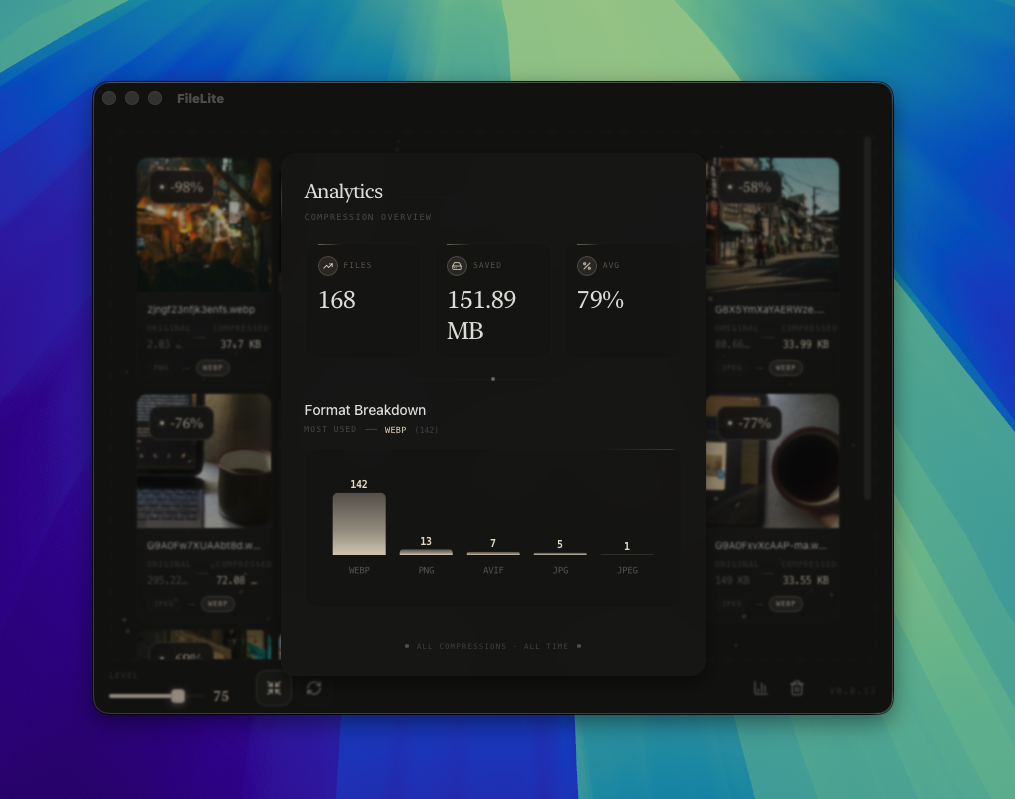
Analytics
Track your compression stats
See how much space you've saved and how many files you've processed. A clear overview of your optimization efforts.
All data stays on your device. Your usage statistics are completely private.
A native macOS app for web developers, designers, and creators.
Your files never leave your device.
Native Speed
Lightning fast
Fully Offline
Privacy protected
Analytics
Track usage
10MB App
Lightweight
See how much space you've saved and how many files you've processed. A clear overview of your optimization efforts.
All data stays on your device. Your usage statistics are completely private.
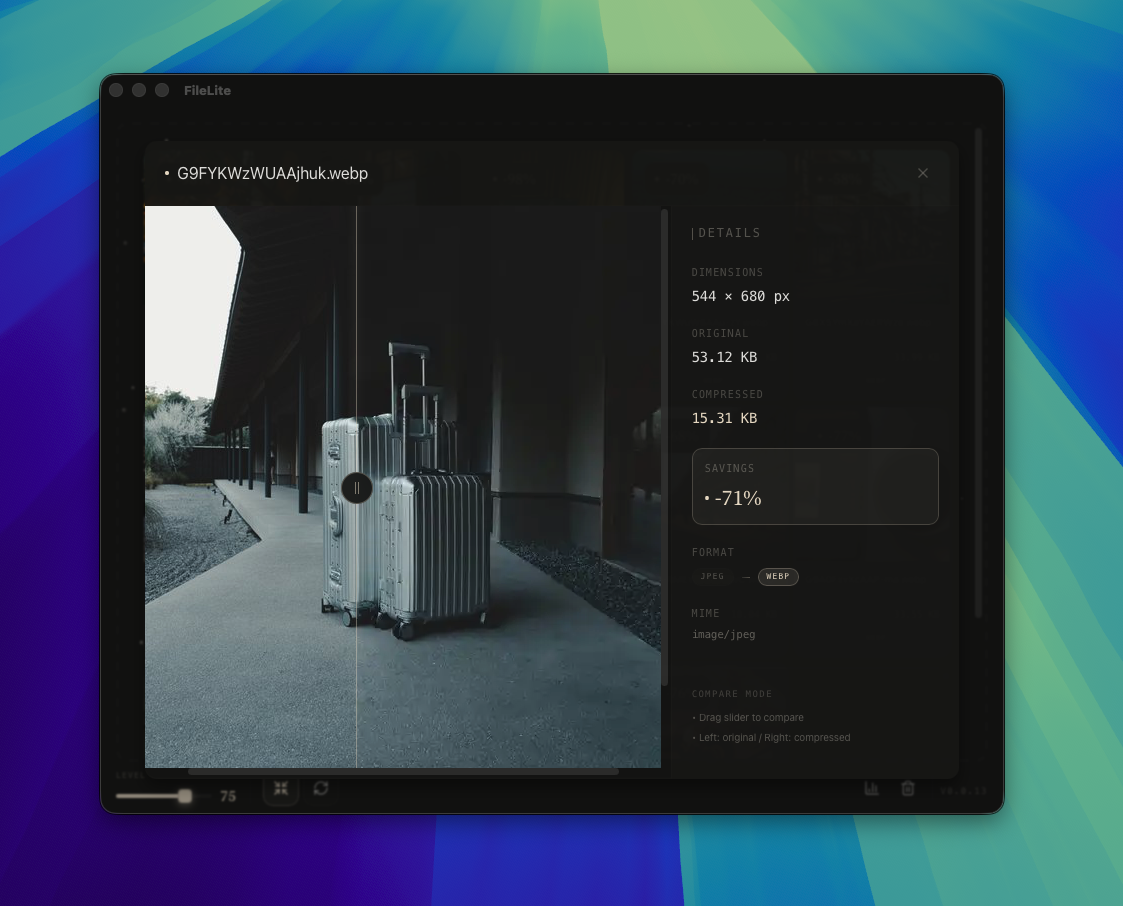
View your images side-by-side before and after compression. Ensure quality meets your standards.
No guesswork. See exactly what changed and decide if the result works for you.
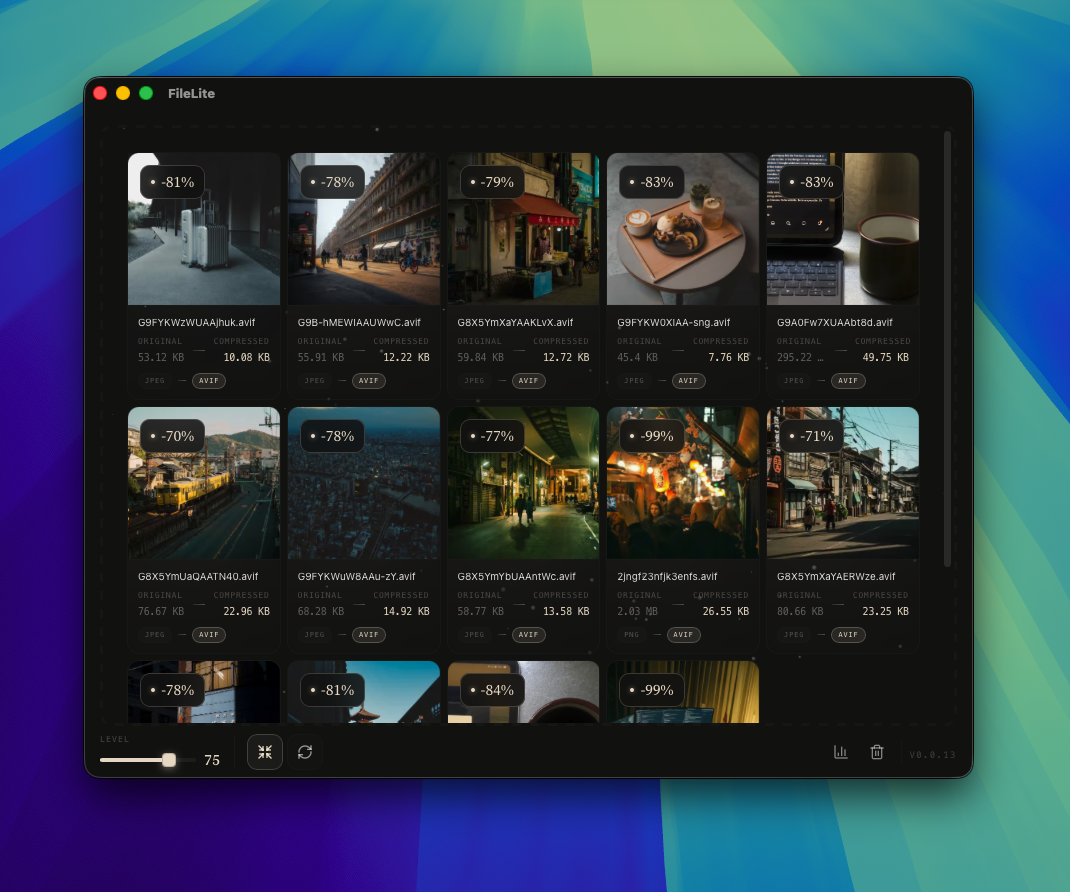
Make images smaller without sending them anywhere. Drag, drop, and watch the optimization happen locally.
Your images never leave your device. Complete privacy during the entire process.
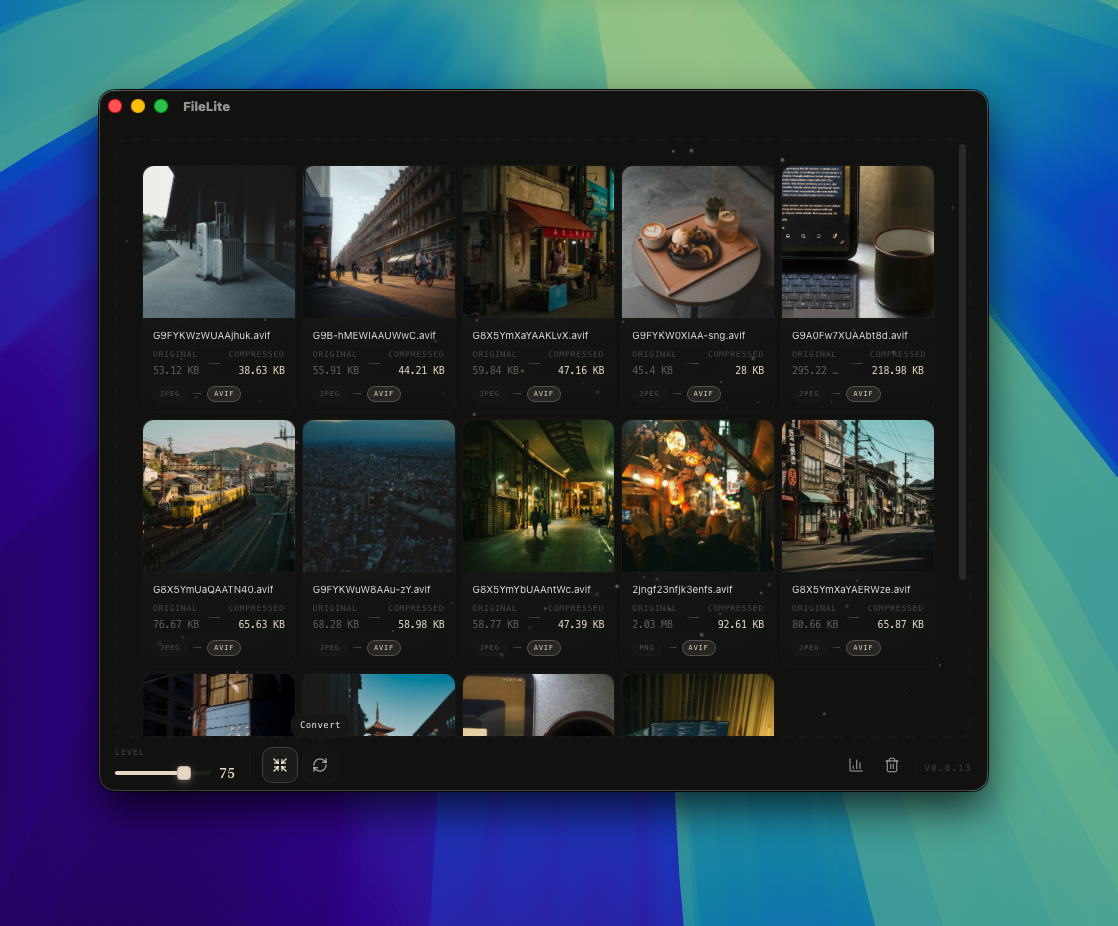
Convert between PNG, JPEG, WebP, and AVIF. Your images maintain quality through the transformation.
Works offline with all major formats. Perfect when you need a different file type.
Free to download and use. No payments, no subscriptions, no hidden fees.
Download and start using immediately
Download for macOSEverything you need to know about FileLite